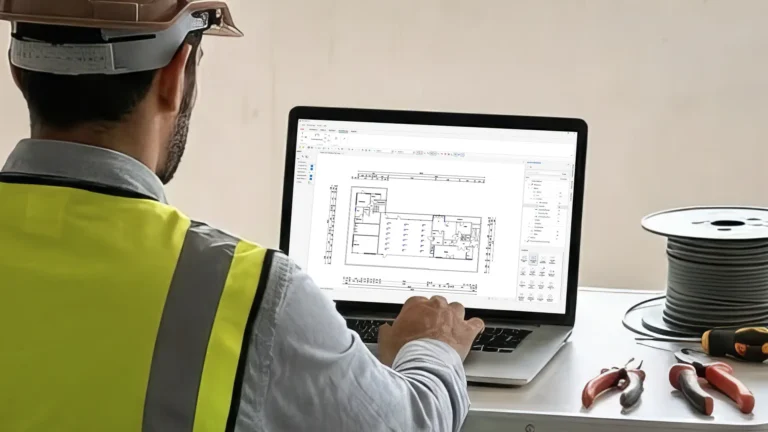
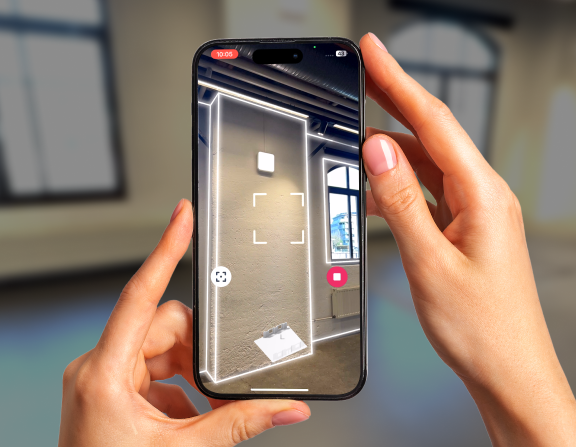
Create precise on-site electrical measurements and 2D plans with your iPhone Pro or iPad Pro. Export DXF, IFC, and PDF — no rework, no outdated drawings.
Export to your electrical planning tools (DXF, IFC, PDF, Stage Report). Compatible with DDScad, Ziemer, and more. Perfect for routing, distribution layouts, lighting planning, and documentation.
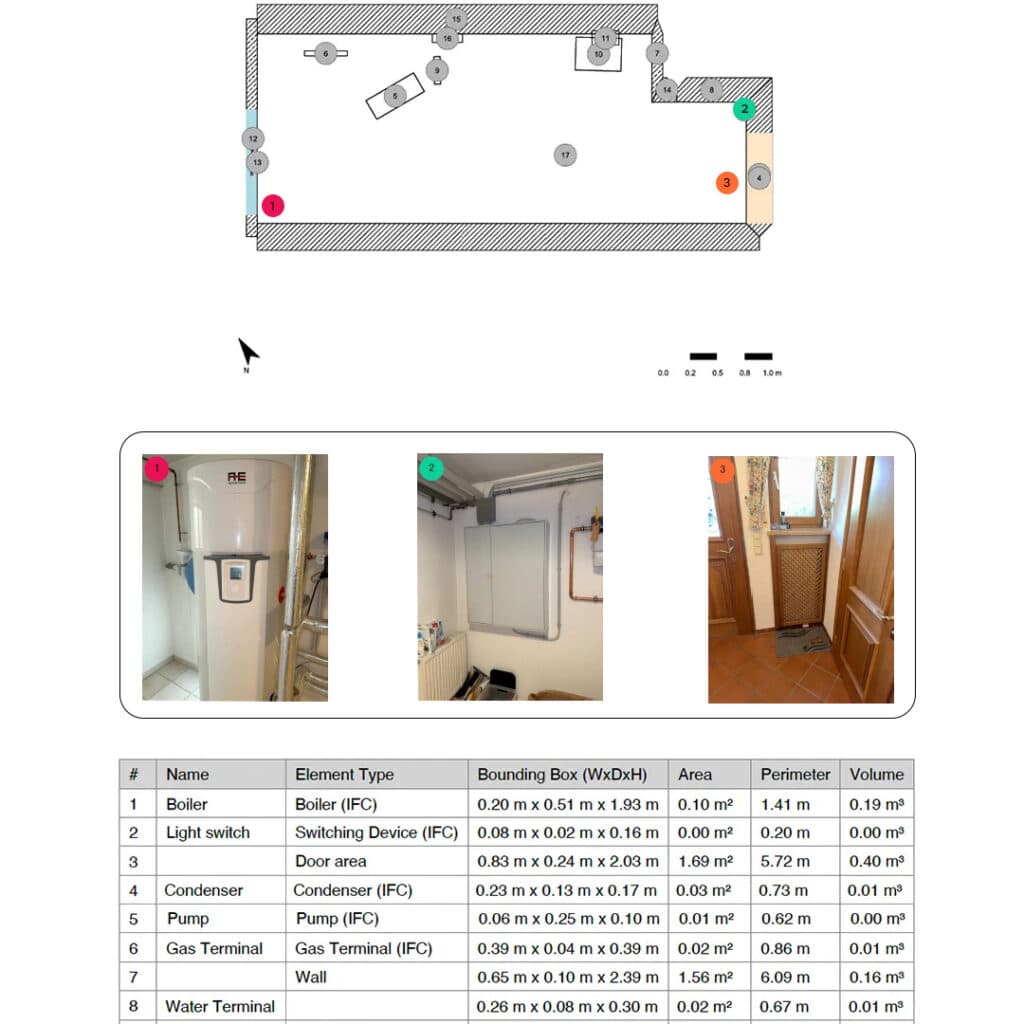
Photos and measurements included in the PDF report
Photos taken during the scan are automatically added to the report with their measurements and context. No manual documentation. Ready to share and use immediately.
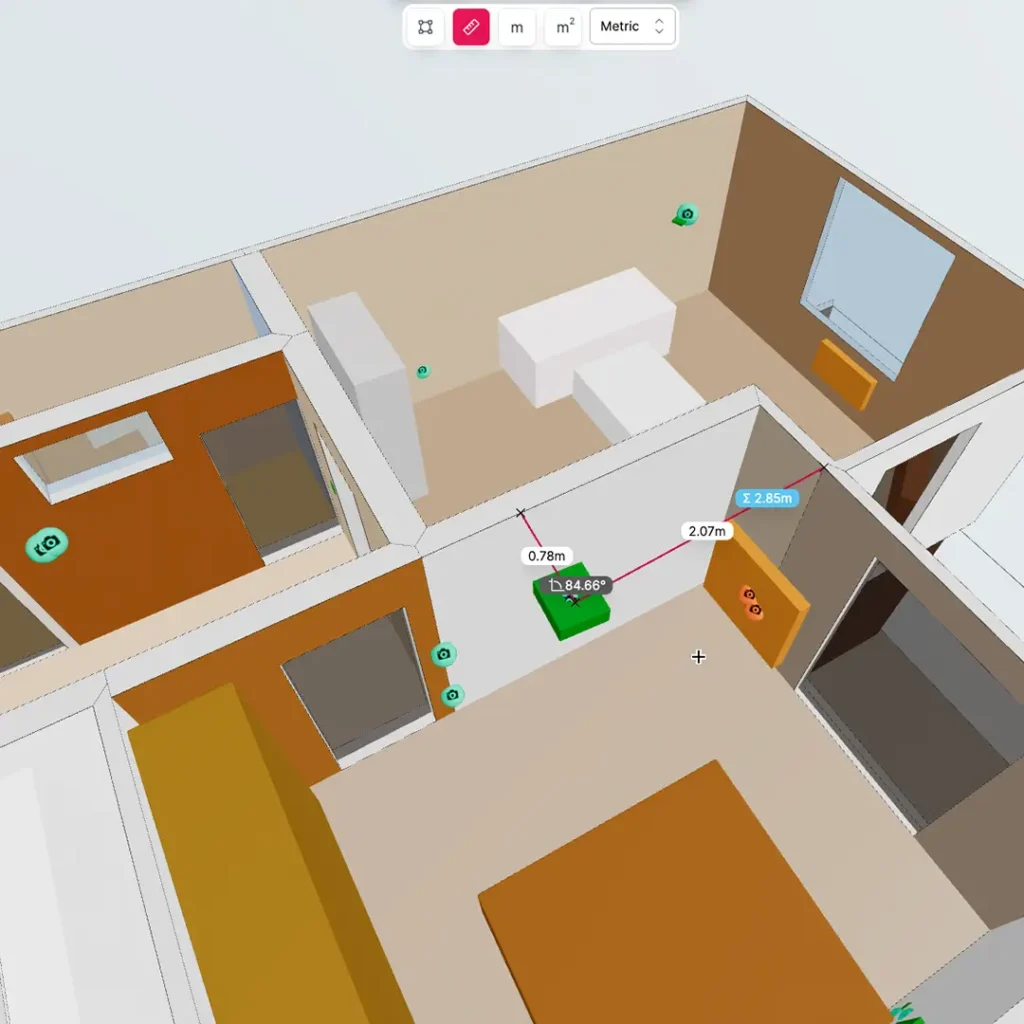
Take distances and dimensions directly from your on-site scans and snapshots. All measurements are stored with the correct room and element — ready for planning, calculations, and documentation.
Work faster and avoid costly rework with accurate digital electrical planning.
Metaroom creates reliable on-site measurements and clean 2D plans for installation, documentation, and planning workflows.
Accurate documentation
Generate clean 2D plans ready for installation and handover. No manual sketches.
Fewer misunderstandings
Everyone works from the same up-to-date plan — no late changes, no miscommunication.
Better coordination with other trades
Ensure measurements and placements are always aligned across electrical, HVAC, construction, and smart-home planning.
No more return trips
Capture complete data once and export whenever needed. Prevents schedule delays and unnecessary site visits.
Enabling all electricians to be more efficient
Save valuable time and resources by digitizing the construction site with Metaroom.
scanned in 20 min
0m²
accuracy
0cm
faster measurement
0%
Testimonials - Used by electrical planners, installers, and project engineers
Trusted by electrical planners everywhere
“It takes minutes instead of hours. Our routing is cleaner, and we stopped going back to sites because of missing measurements.”
– Jonas M., Electrical Installer
“Metaroom fixed the biggest pain: outdated plans. Now everything is measured correctly the first time.”
– Sandra M., Project Planner
“DXF exports drop directly into DDSCAD and Ziemer. No manual corrections, no rework. Huge time saver.”
– Tom T., Electrical Engineer
Consistently rated 4.5 by professionals
See how Metaroom and Ziemer work together
Frequently Asked Questions
What devices are compatible?
Metaroom works with any iPhone 12 Pro or newer, and iPad Pro models with LiDAR. This includes iPhone 12/13/14/15/16/17 Pro and Pro Max, as well as 2020+ iPad Pro models.
How accurate are the measurement for electrical planning?
Our scans achieve 99% accuracy, typically within 1-2cm of manual measurements. The LiDAR sensor, combined with our AI processing, ensures professional-grade precision for carpentry work.
What export formats can I use for electrical planning?
Export to 30+ formats, including 2D DXF for CAD, PDF floor plans with measurements, and 3D models in IFC, OBJ, GLB, FBX, and more. Compatible with Red CAD, DDScad, Ziemer, SketchUp, Revit, and other industry tools.
How long does scanning take?
A typical room takes 2-3 minutes to scan. Larger spaces or multiple rooms take proportionally longer. The export is generated instantly after scanning.”
Can it handle complex rooms or tight spaces?
Yes. Multi-room, irregular shapes, and technical rooms are supported.
Is there a free trial?
Yes! We have a 30-day free trial. Download the app and scan your first project. No credit card required. Upgrade anytime to unlock unlimited exports and premium features.
Do I need to scan the whole room?
No. Many carpenters scan only the walls they need. A typical scan takes 2–3 minutes.
Ready to eliminate rework and finish projects faster?