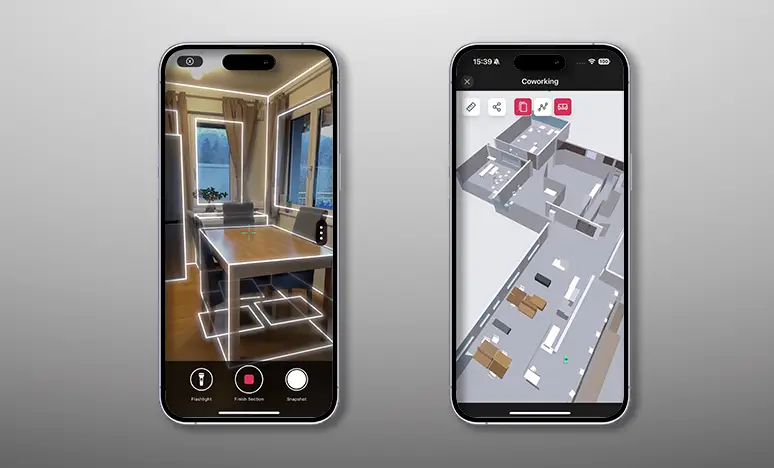
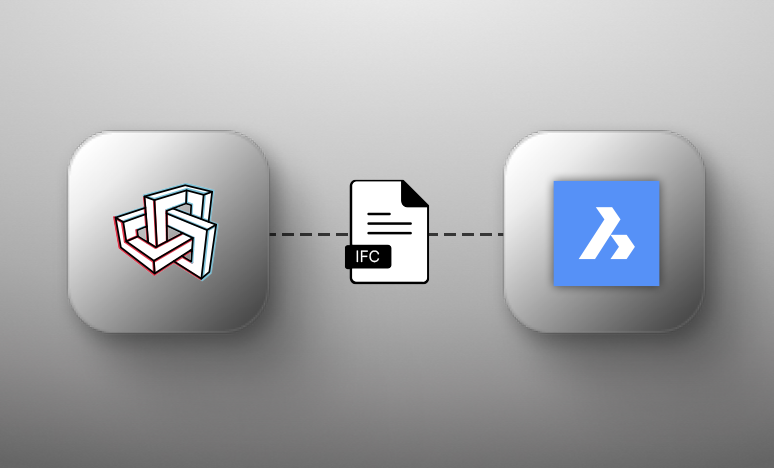
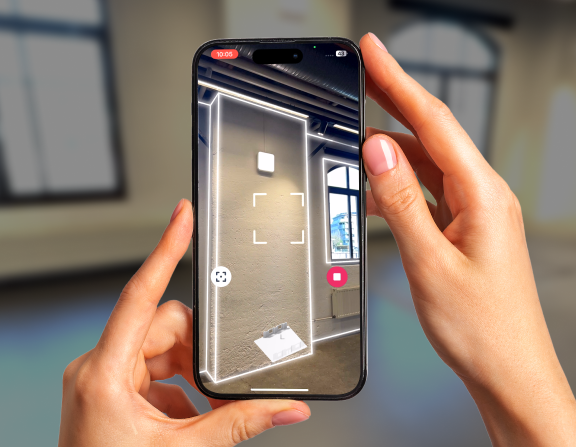
“The integration of Metaroom with DDScad is a major step forward in modern MEP planning. Capturing precise room data on-site with just a smartphone and seamlessly transitioning into BIM-based design streamlines the entire process—from initial capture to final documentation. We are excited to collaborate with Metaroom by Amrax to offer our users a smarter, faster, and more intuitive way to begin their projects.”
James Cook
Industry and technology partnerships
“Embedding Metaroom’s 3D models within Autodesk Construction Cloud helps teams understand the real-life context of the Issues, RFIs, Submittals and more that they track in Autodesk Construction Cloud, helping them make better-informed decisions.”
Dirk Böckstiegel
Director of Business Development & Export
“The interaction between Metaroom® and Palette CAD is a prime example of how software can adapt to the user today. Scanning a room on-site at the customer’s premises using a smartphone and seamlessly switching to 3D planning takes the ease and efficiency of the consultation phase to a new level. We are delighted to have gained a strong new partner in Metaroom® by Amrax, who – just like us – focuses on user-friendliness.”
Georg Emprechtinger
CEO @ Team 7
“Digitalization is an important trend that influences and changes our lives and economies every day. In the furniture industry, we need to drive automation and digitalization in order to remain efficient and competitive in the long term.”
Martin Lang
Head of Smart Infrastructure Building
“Digitization is the cornerstone of every digital twin, and Metaroom lowers the entry barrier dramatically. For brownfield projects, it enables a scalable and practical pathway to digital transformation, aligning perfectly with Siemens’ mission to empower smarter buildings and cities.”