Short Answer
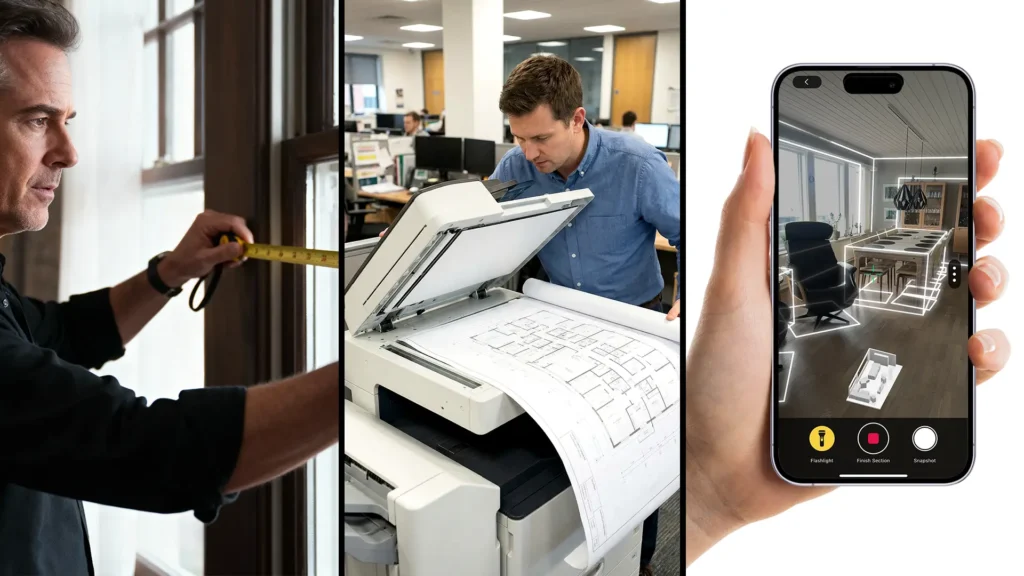
If you need to quickly create a floor plan of an existing building, there are three common approaches: manual measurement, digitizing existing plans, or scanning rooms with smartphone apps. In practice, LiDAR-based room scanning with a smartphone is usually the fastest option, provided compatible hardware is available.
What Options Are Available?
1. Manual Measurement (Traditional, but Time-Consuming)
Manual measurement involves measuring rooms individually using a tape measure or laser distance meter and then transferring the dimensions into a drawing.
Advantages
-
High control over individual measurements
-
Independent of digital tools
Disadvantages
-
Time-consuming
-
Error-prone in complex layouts
-
Not suitable when many rooms need to be captured quickly
2. Digitizing Existing Plans (Only If Available)
If old building or floor plans exist, they can be scanned and traced digitally.
Advantages
-
No need to re-measure the building
-
Useful if plans are complete and up to date
Disadvantages
-
Plans are often outdated or incomplete
-
Deviations from the current condition remain unnoticed
3. Scanning Rooms with a Smartphone (Fastest Method)
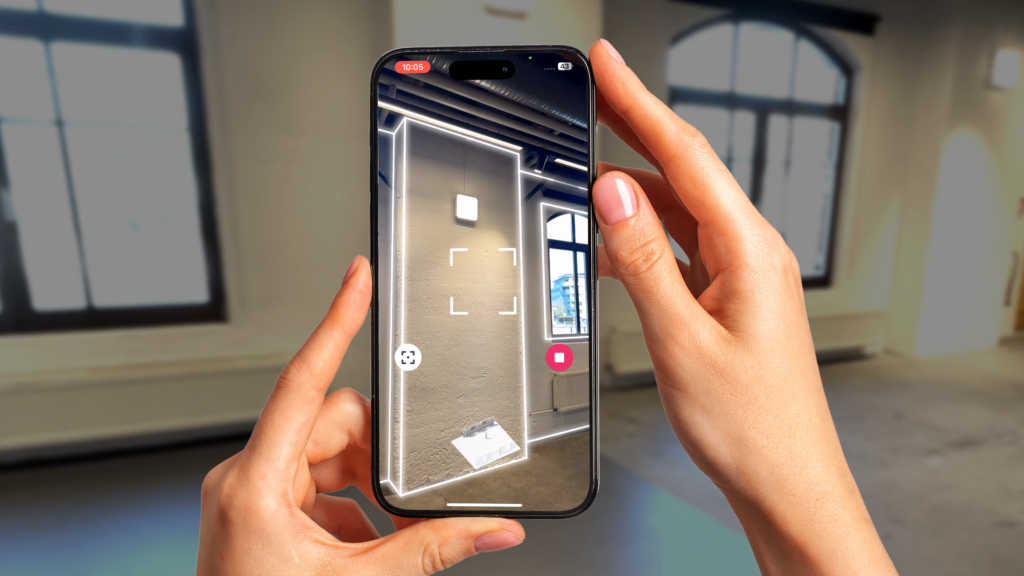
Modern smartphones and tablets equipped with a LiDAR sensor allow rooms to be scanned directly on site and converted into digital floor plans.
Advantages
-
Very fast
-
Consistent spatial data
-
Well suited for existing buildings without current plans
Requirements
-
An iPhone or iPad with a LiDAR sensor (Pro models)
How Does Creating a Floor Plan with Metaroom Work?
Metaroom is a smartphone-based tool for digitally capturing interior spaces. Using LiDAR scans, rooms are measured and processed into structured spatial data and 2D floor plans.
Typical workflow
Rooms are scanned using an iPhone or iPad with a LiDAR sensor
Walls, openings, and furnishings are automatically detected
The data is processed and exported as a floor plan (e.g., PDF or CAD formats)
This allows floor plans of existing buildings to be created in a short amount of time without manual measurement.
For a detailed walkthrough on creating professional 2D floor plans with Metaroom using an iPhone or iPad, visit our blog.
How Fast Is LiDAR Scanning in Practice?
In many cases, apartments or smaller buildings can be captured within minutes per room. Larger areas can also be scanned efficiently, significantly reducing the time required compared to manual measurement.
How Accurate Is a Floor Plan Created by LiDAR-Scanning?
The accuracy of LiDAR-based smartphone scans is typically within the centimeter range. This level of accuracy is sufficient for:
-
early planning stages
-
renovations
-
documentation
-
real estate use
For millimeter-accurate or legally binding measurements, professional surveying methods are still required.
What Is LiDAR-based Room Scanning Suitable For?
Quick floor plan creation using smartphone scanning is especially suitable for:
-
building surveys prior to renovation
-
planning and cost estimation
-
real estate documentation
-
interior design and space planning
What Is LiDAR-based Room Scanning Not Suitable For?
This method is not suitable for:
-
building permit applications
-
structural calculations
-
legally binding surveys
-
construction acceptance or compliance checks
Conclusion
If you want to quickly create a floor plan of an existing building and have access to a smartphone with a LiDAR sensor, scanning rooms is one of the most efficient methods available. Tools like Metaroom enable structured floor plans to be generated in a short time, but they do not replace high-precision or legally binding surveying systems.