- Cluster 2 – CAD & BIM Workflows, Knowledge Hub
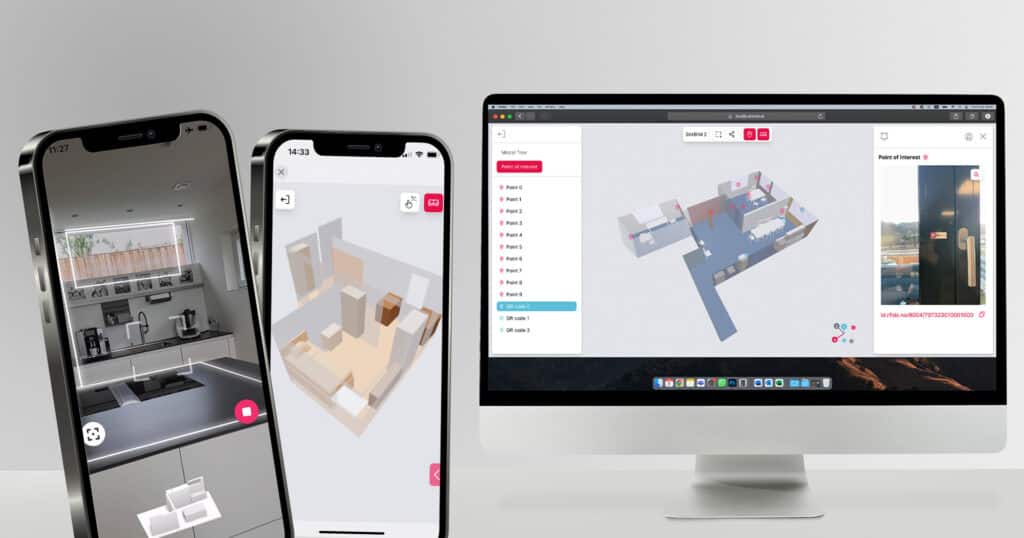
To get a CAD-ready floor plan from a real building, you have three options: measure manually and redraw in CAD, digitize existing paper plans, or scan with a LiDAR-equipped smartphone. LiDAR scanning produces a DXF or IFC file in 10 to 20 minutes without manual redraw — ready to open in AutoCAD, Revit, or any BIM program.
-
Kathrin Huber
- Cluster 1 - How to Create a Floor Plan, Knowledge Hub
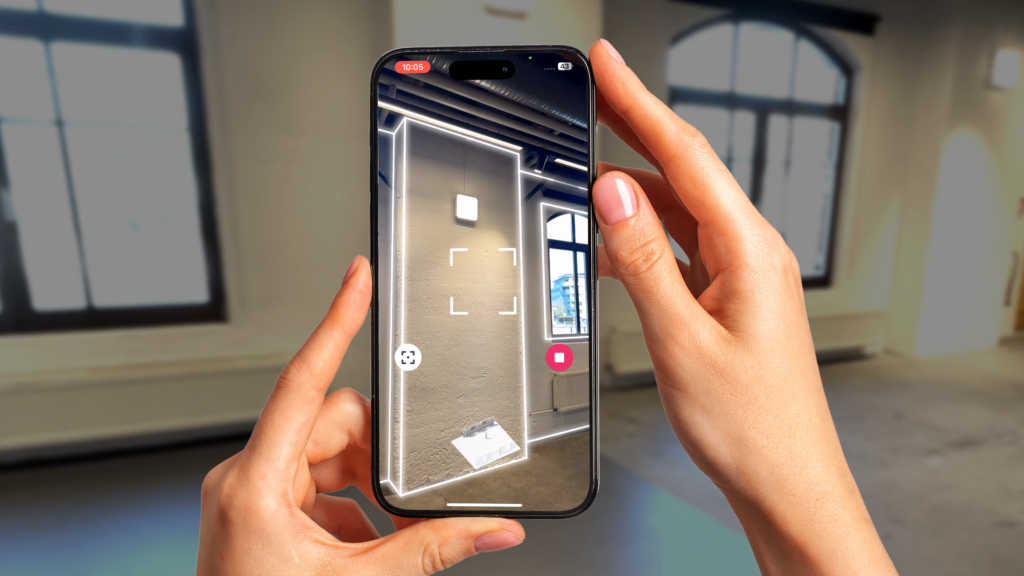
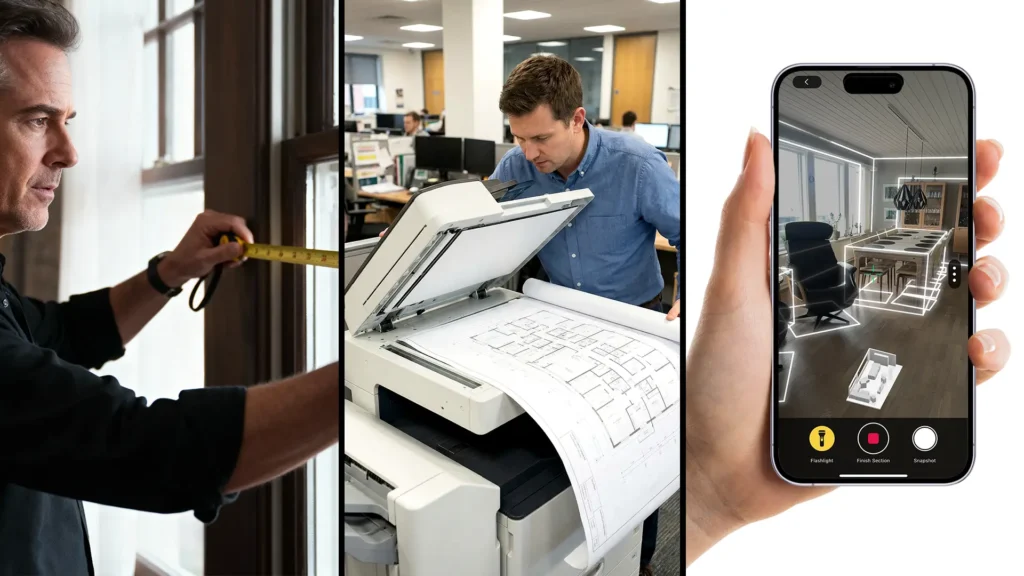
Tape measure, laser distance meter, and LiDAR smartphone scanning are the three standard methods for creating a professional floor plan. LiDAR scanning is the fastest — 10 to 20 minutes for a 3-room apartment versus 2 to 4 hours with a tape measure — and the only method that produces an automatic floor plan without manual redraw.
-
Kathrin Huber
- Cluster 1 - How to Create a Floor Plan, Knowledge Hub
LiDAR floor plans from iPhone Pro or iPad Pro are accurate to within 1%, typically 1 to 2 cm per wall. This is sufficient for renovation planning, energy audits, and CAD workflows. For millimeter-precise work, a professional laser scanner is more appropriate.
-
Kathrin Huber
- BIM, Tech
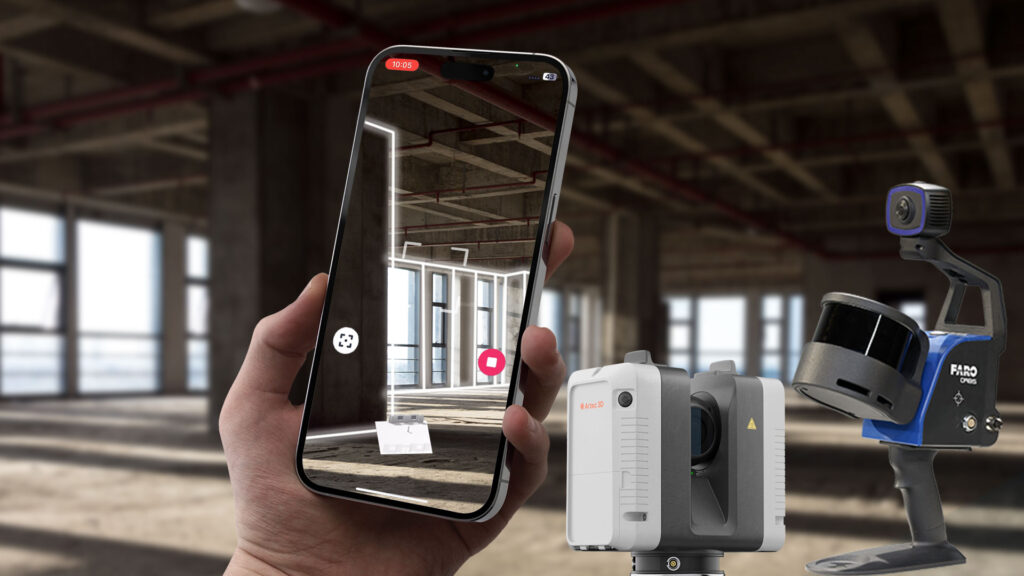
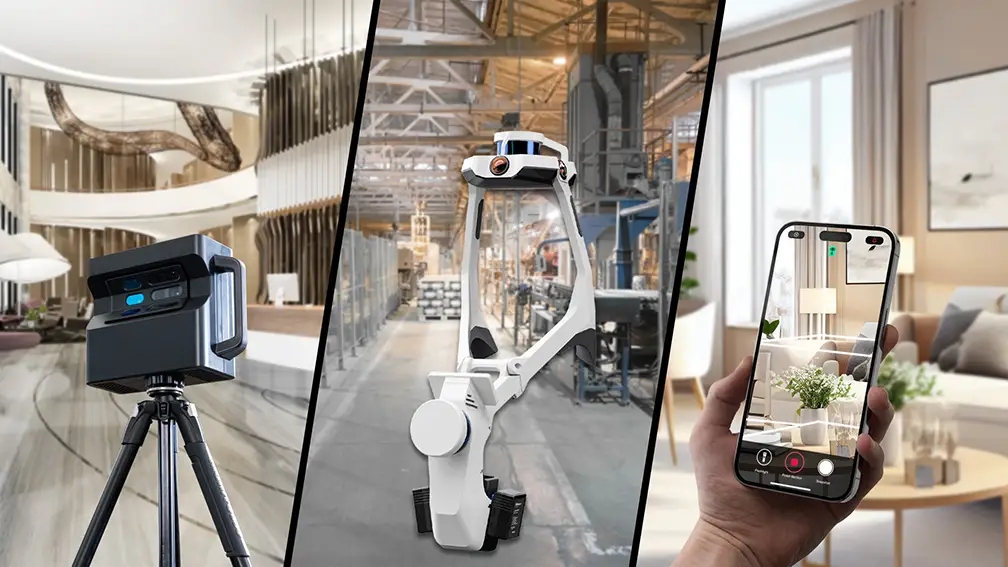
Learn about different types of 3D LiDAR scanners used in Scan-to-BIM projects.
-
Kathrin Huber
- Cluster 1 - How to Create a Floor Plan, Knowledge Hub
The fastest way to create a floor plan is to scan the space with a LiDAR-equipped smartphone. A 3-room apartment takes 10–20 minutes from scan to export — no graph paper, no CAD skills, no redrawing. Here's how each method compares.
-
Kathrin Huber
- Cluster 3 – LiDAR Explained, Knowledge Hub
LiDAR measures distance by firing invisible laser pulses and timing their return. In room scanning, this produces geometry accurate to within 1% — about 1–2 cm per wall. Here's how it works, how it compares to standard cameras and photogrammetry, and when you actually need it.
-
Kathrin Huber
- Cluster 3 – LiDAR Explained, Knowledge Hub
Only smartphones with a LiDAR sensor can produce an accurate 3D room scan with automatic floor plan output. That means iPhone Pro (12 Pro through 17 Pro) and iPad Pro (2020 and later). Here's the full device list, what LiDAR does that standard cameras cannot, and why the Pro requirement exists.
-
Kathrin Huber
Start collaborating today.
And become more efficient.