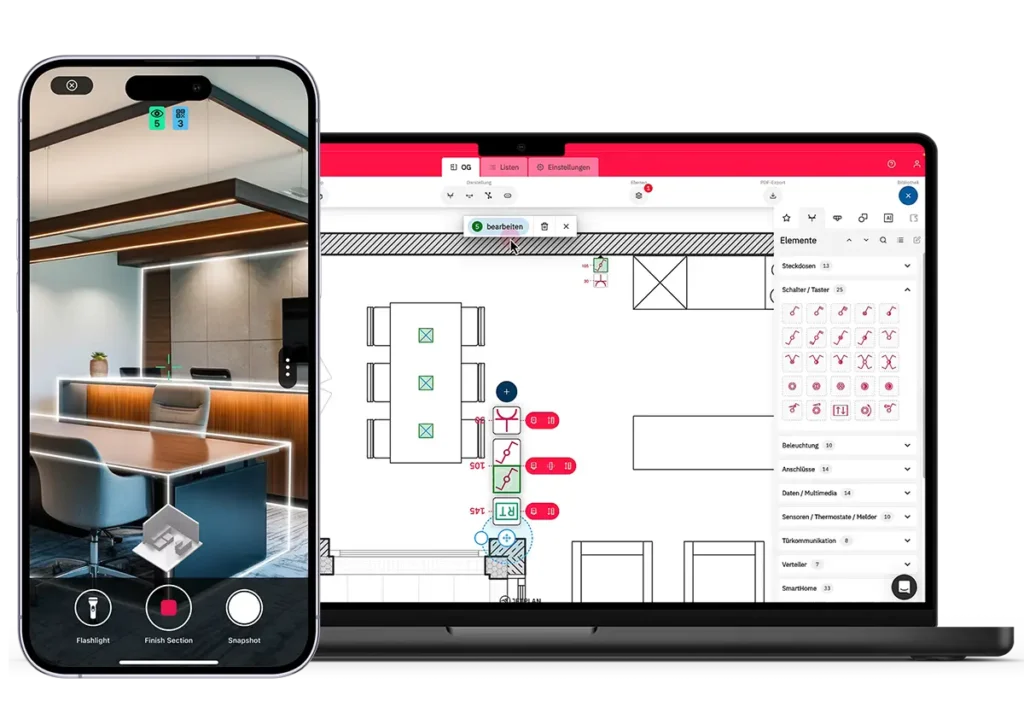
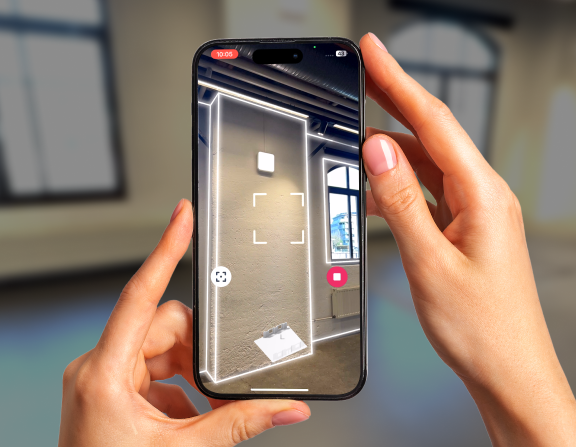
Capture any building with your iPhone Pro or iPad Pro. Export a precisely scaled floor plan directly into Jetplan — scale applied automatically. No manual measurements. No redrawing. Start electrical planning from real site data.
Metaroom records walls, doors, and openings with up to 99% accuracy. A reliable Jetplan base plan from day one.
Plan directly from measured reality
Import scanned building geometry instead of drawing from memory. Plans are built on real conditions, not guesses.
Better inputs mean fewer mistakes
When the base plan is right, the electrical plan is right. Fewer layout errors, fewer revisions, less rework.
Smarter review and coordination with Metaroom and Jetplan
A smarter way to start electrical planning
Metaroom and Jetplan deliver an integrated workflow that connects real site capture with planning tools — saving time, reducing errors, and improving plan quality.
Scan-to-plan in record time
Scan a full floor in under 20 minutes. Import into Jetplan and start planning the same day.
Seamless Jetplan workflow
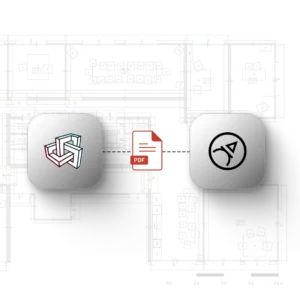
Jetplan recognizes the Metaroom export automatically. Scale is set on import — nothing to configure.
Built for practical planning
Both tools work on-site, on tablet, and in the browser. Same data from field to desk.
“For many electrical contractors, the hard part isn’t planning — it’s getting a reliable base. With Metaroom-generated plans, Jetplan users have a clean planning foundation immediately. That improves quality and boosts confidence during execution.”
Jonathan Busse - CEO of Jetplan
Frequently asked questions about Metaroom and Jetplan
Can I import a Metaroom floor plan directly into Jetplan?
Yes. Metaroom exports a Jetplan-compatible file with scale information included. Jetplan reads and applies the scale automatically on import — no calibration needed.
What file format does Metaroom use for the Jetplan export?
A Jetplan-compatible format containing building geometry, room dimensions, doors, and windows. You choose the level of detail before exporting from Metaroom Workspace.
How long does it take to scan a building with Metaroom?
A 380 m² office floor takes about 20 minutes. Smaller spaces typically take 5 to 15 minutes.
Do I need to calibrate the scale manually when importing into Jetplan?
No. Jetplan detects the Metaroom export and applies the correct scale automatically. No reference measurements needed.
Does this work for renovation projects without original floor plans?
Yes — this is one of the most common use cases. Metaroom scans the building as it currently stands and generates an accurate floor plan without any existing documentation.
What devices do I need?
An iPhone Pro or iPad Pro with LiDAR for scanning. Metaroom Workspace and Jetplan both run in any modern browser on desktop, tablet, or phone.
Turn Your Next Site Scan into a Jetplan Floor Plan