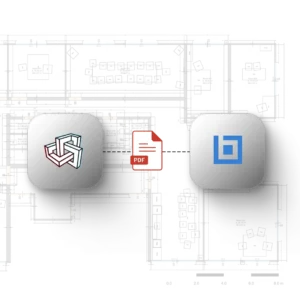
Capture existing conditions with Metaroom and open structured 2D floor plan PDFs directly in Bluebeam Revu — ready for measurement, markup, and coordination.
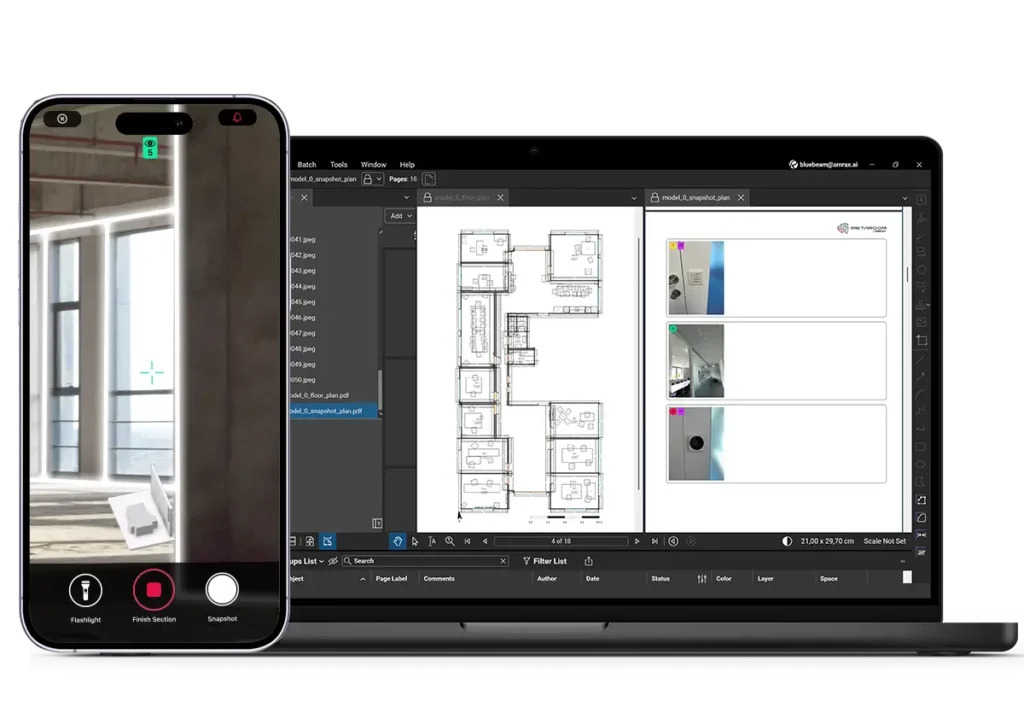
Each 2D floor plan is exported as a scaled PDF. Open it in Bluebeam Revu and use measurement tools immediately — no manual scaling, no recalibration.
Visual references connected to the plan
Snapshots taken during scanning are linked to their position in the floor plan. Reviewers can verify site conditions without separate photo documentation.
Measure, mark up, and collaborate in Revu
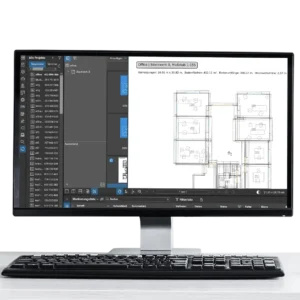
Open the exported PDF directly in Bluebeam Revu. Run takeoffs, add markups, and collaborate through Studio — without redrawing or manually scaling the plan.
Smarter review and coordination with Metaroom and Bluebeam
Proven performance for Bluebeam workflows
Capture accurate as-builts with the Metaroom Bluebeam integration and move straight into measurement, markup, and coordination in Revu.
Empowering project teams to work smarter
Start your Bluebeam projects with scan-based 2D floor plans generated directly from real site conditions. Reduce manual redraw, avoid outdated drawings, and move straight into review and takeoffs.
scanned in 20 min
0m²
accuracy
0%
faster measurement
0%
“PDF review and markup are at the core of how project teams communicate and make decisions. This integration gives Bluebeam users immediate access to accurate floor plans generated directly from real site conditions without leaving the workflows they use every day.”