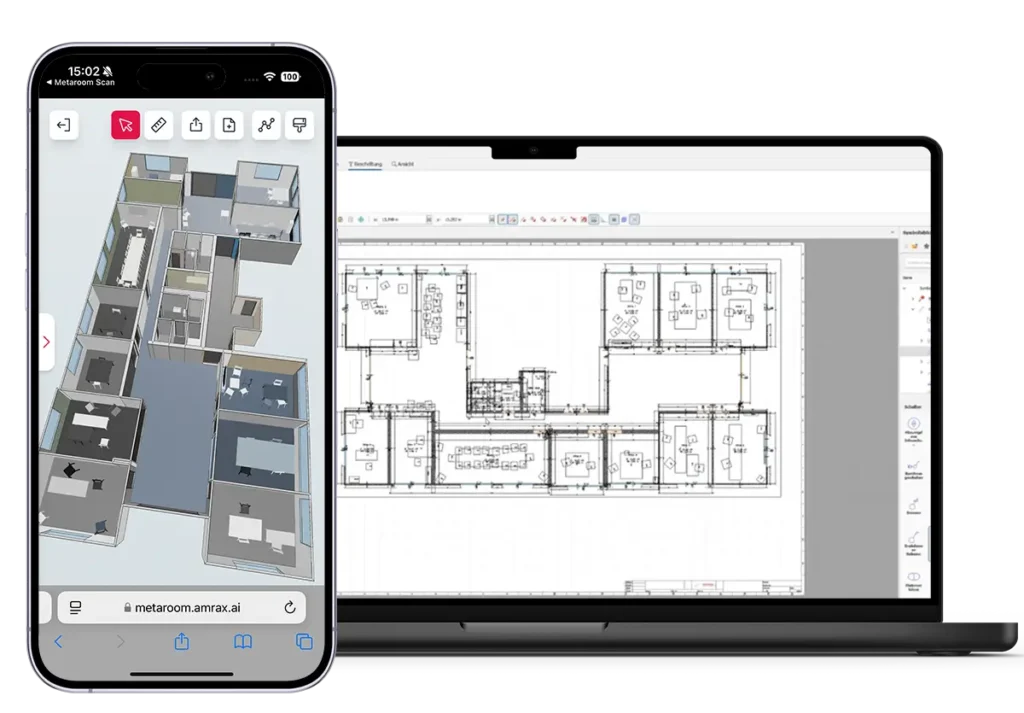
Metaroom captures the geometry of any building with iPhone Pro or iPad Pro and exports a DXF floor plan directly into ZIEMER — so electricians can start planning immediately, without manual measurements or redraws.
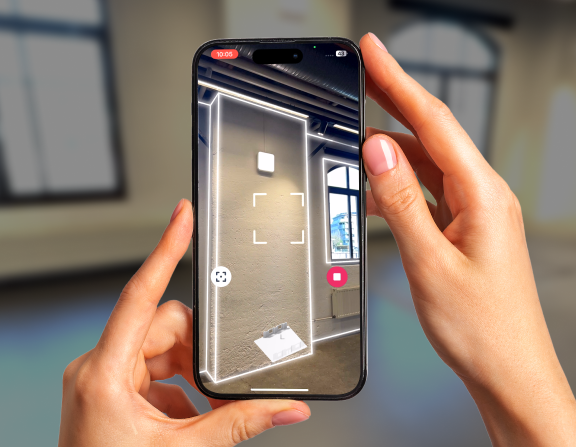
To create an electrical plan in ZIEMER for an existing building, use Metaroom to scan the space with an iPhone Pro, export the DXF floor plan, and import it into ZIEMER. The process takes one site visit and no manual redrawing.
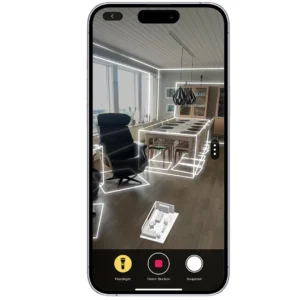
Use snapshots to record switch positions, sockets, lighting fixtures, and panels on site. When you open the DXF in ZIEMER, the documentation is already done — you start planning, not catching up.
Scan Once, Plan From Anywhere
Once scanned, the building lives in Metaroom Workspace. Measure, verify, and prepare your ZIEMER project without returning to the site — one visit covers everything.
Geometry That Works in ZIEMER
Metaroom captures at 99% accuracy and exports at the correct scale automatically. Open the DXF in ZIEMER and start placing electrical symbols immediately — no calibration, no redraw.
See the Full Workflow in Action
Recorded with ZIEMER GmbH — full workflow demonstration from site scan to electrical planning. Note: video is in German.
Frequently asked questions about Metaroom and Ziemer
Can I import a Metaroom floor plan directly into ZIEMER SCC-CAD?
Yes. Metaroom has a specialized Ziemer export format. The DXF format is compatible with SCC-CAD Standard and Professional. The scale is embedded in the file and applied automatically upon import, so no calibration is necessary.
What does the Ziemer DXF export include?
Wall geometry, room outlines, doors, and windows — all at correct scale. You can also include placed objects such as switches, sockets, or fixtures documented as snapshots during the scan. You choose the level of detail before exporting from Metaroom Workspace.
How long does it take to scan a building with Metaroom?
A 300–400m² floor typically takes 15–25 minutes on site. Smaller spaces take 5–15 minutes. The exported Ziemer DXF is ready within minutes after completing the scan. Scanning works offline — no internet connection needed on site. Upload whenever you have a good Internet connection.
What if the building has no existing floor plans?
This is the most common use case. Metaroom scans the building as it currently stands and generates an accurate floor plan from physical reality — no original documentation required. Scan, export the Ziemer DXF (or a pdf floorplan if needed in addition) and start planning in ZIEMER the same day.
Can the same Metaroom scan be used for outputs besides ZIEMER SCC-CAD?
es. From the same scan you can export a PDF floor plan, an IFC model for BIM coordination, an Excel quantity file, or a shareable 3D link. One site visit — multiple outputs for multiple workflows. Metaroom supports over 30 export formats.
From site capture to electrical plan.
Accurate DXF floor plans, ready to open in ZIEMER.