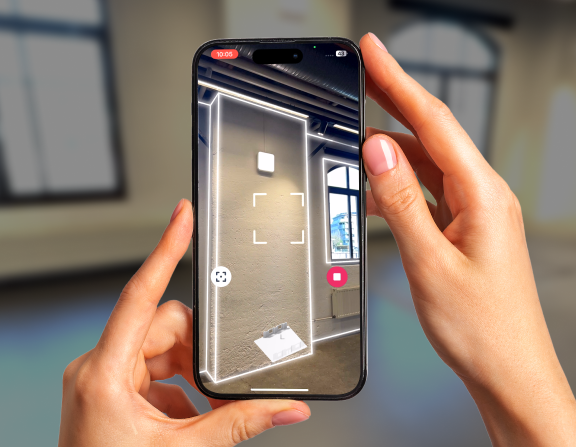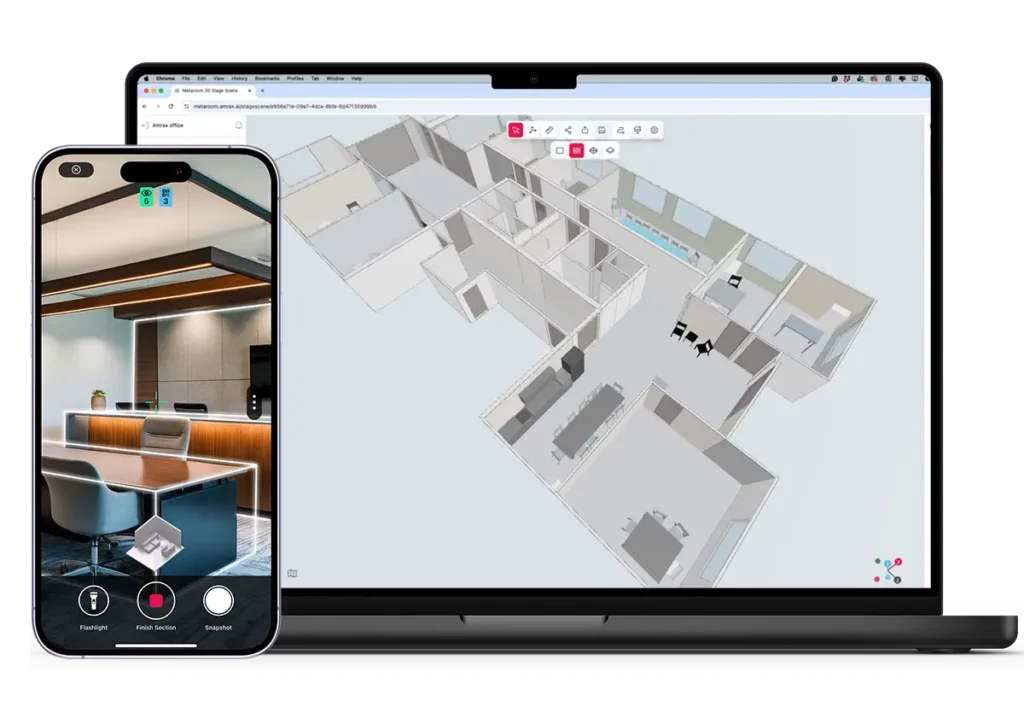








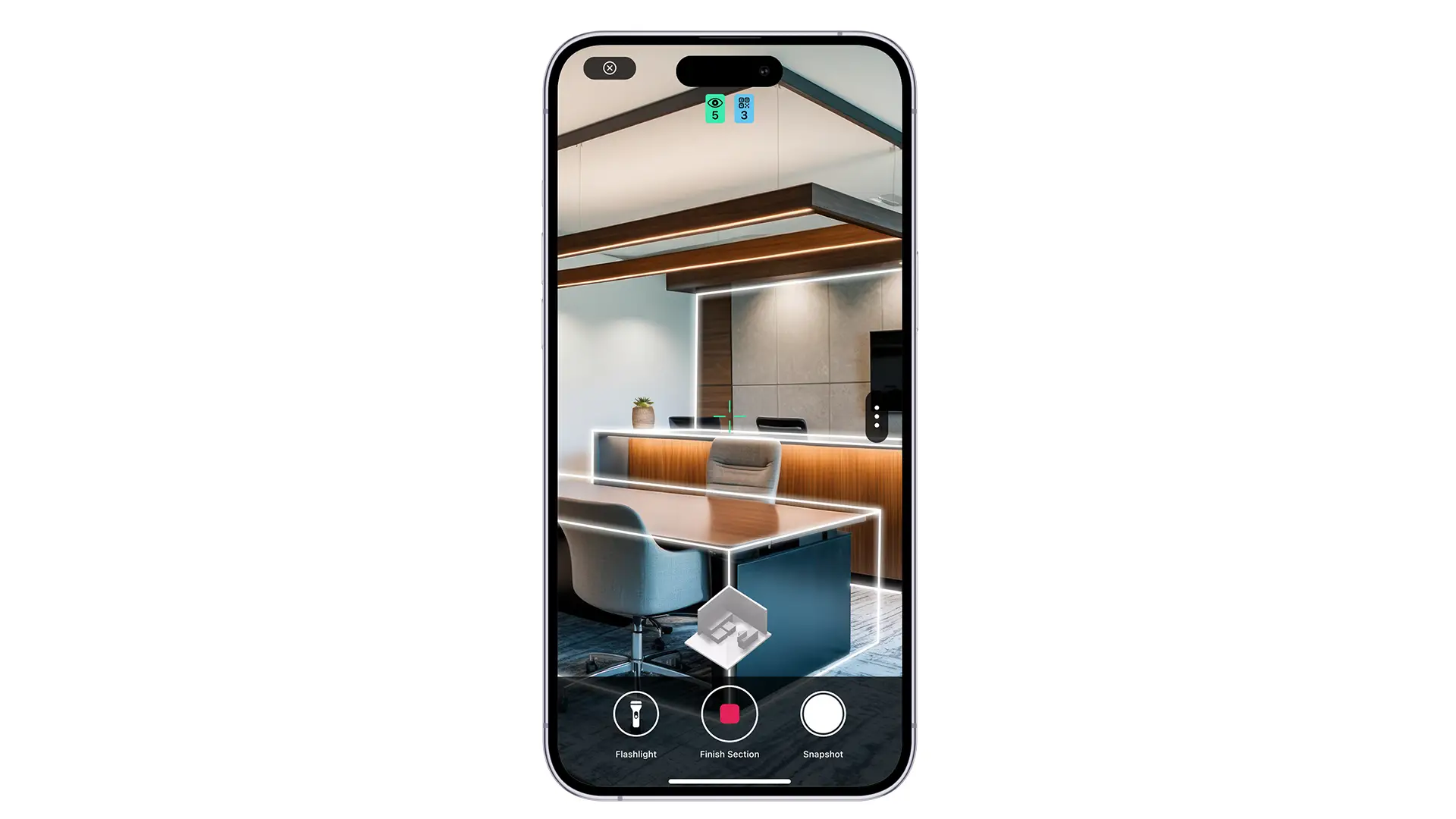
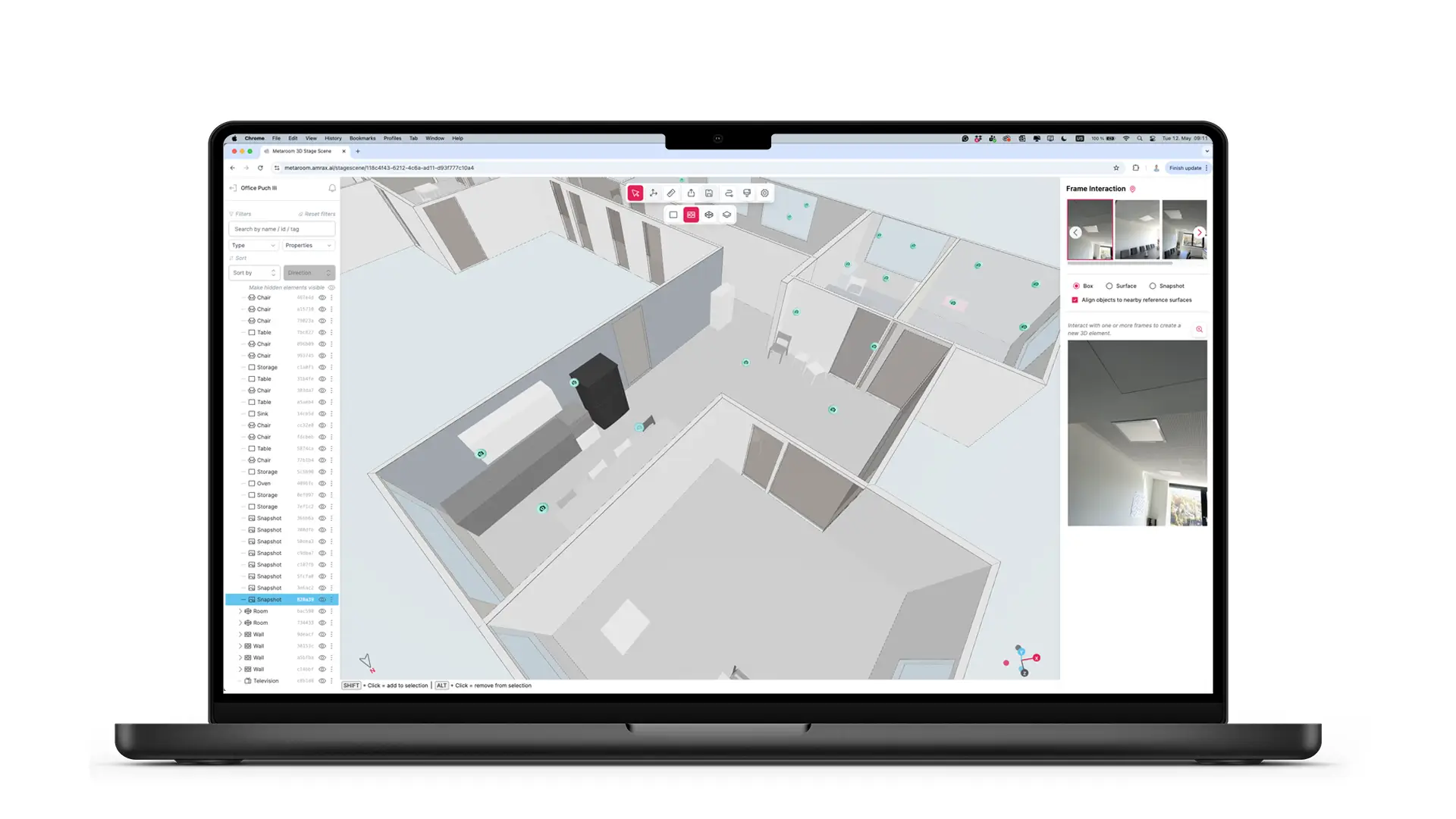
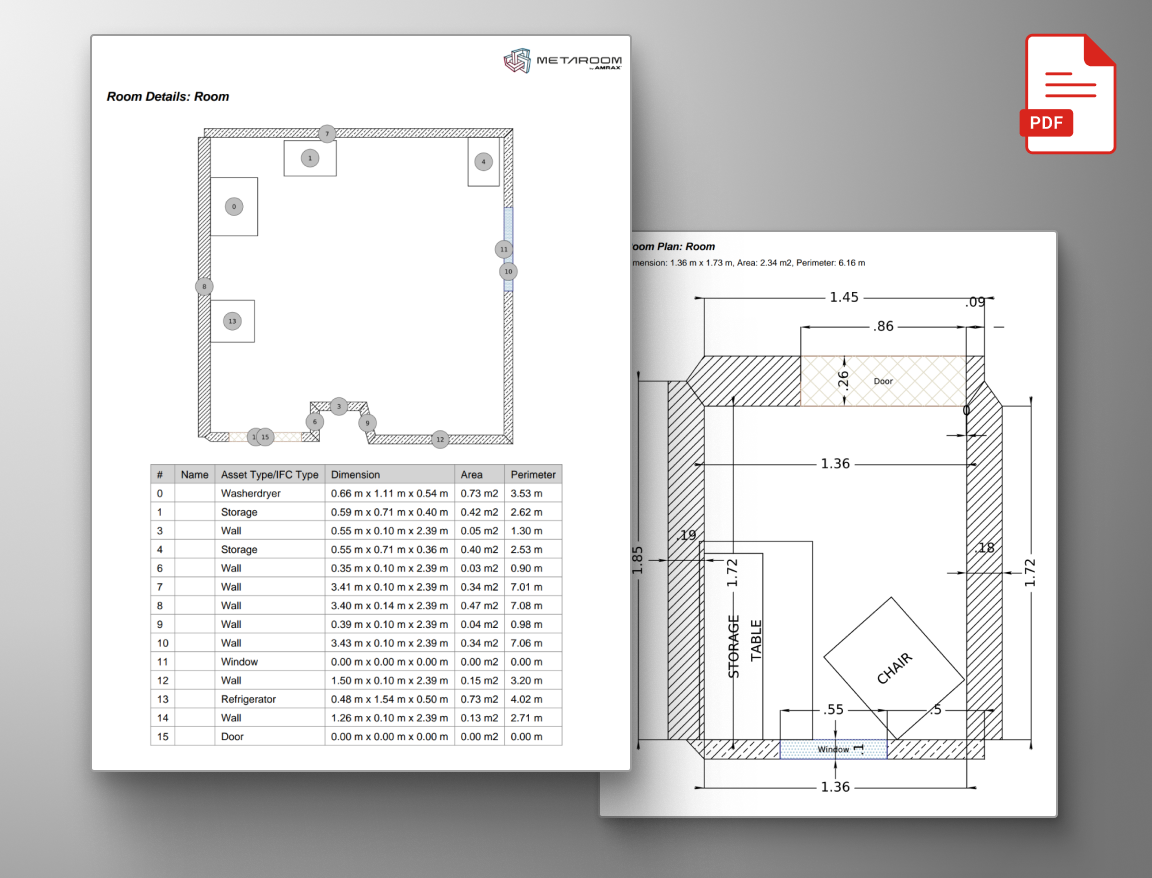
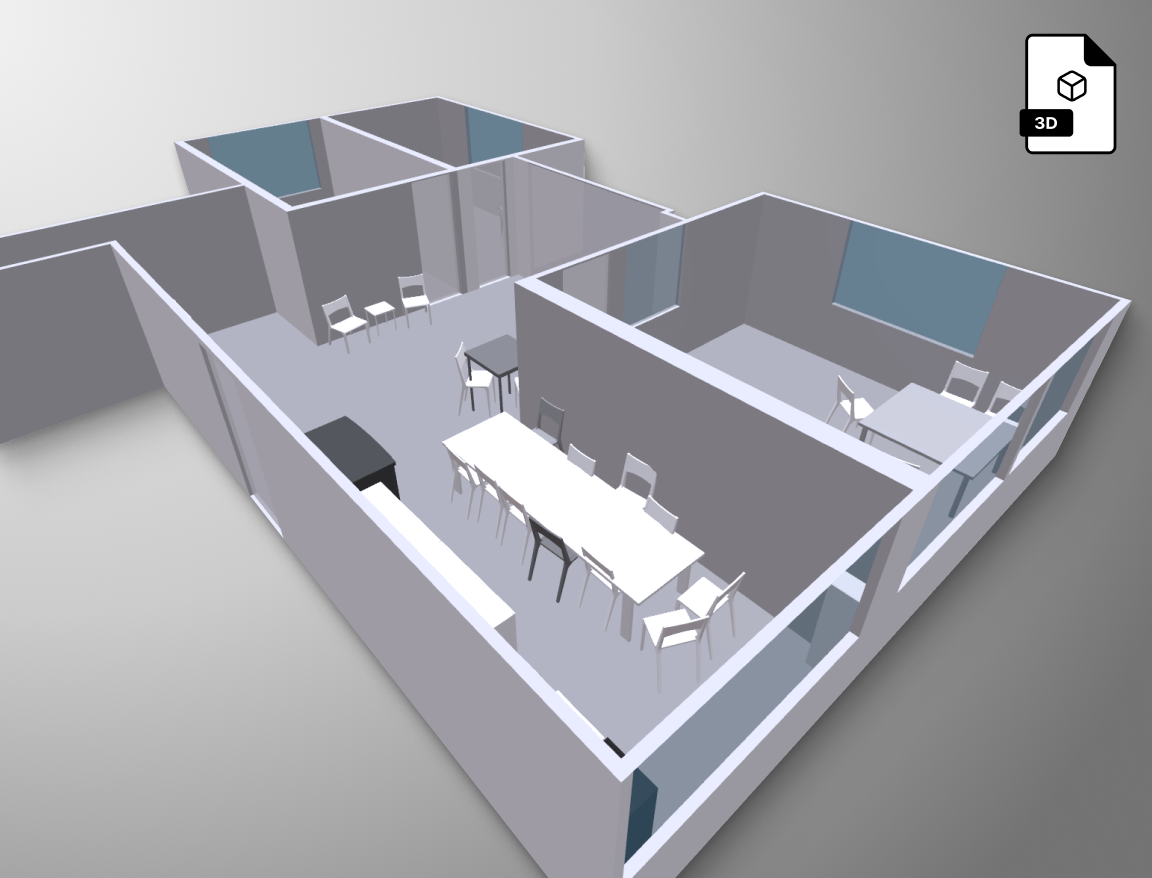





an iphone showing a 3D scan of an apartment, an ipad showing a 3D model on the screen and a computer showing a 2d floor plan on the screen.

Metaroom Essentials

Digitize Spaces with Confidence 

Your All-in-One Introduction to the Metaroom Platform – From Scan to Export 
 
In this session, we will guide you through the complete Metaroom workflow, from capturing spaces with your iPhone or iPad Pro to refining and exporting professional results for your projects. 
Whether you’re new to Metaroom or looking to deepen your understanding of its core features, this session will help you maximize the potential of your tool.

Agenda:

1. Scan
Learn how to capture rooms, floors, or even entire buildings with the Metaroom app. We’ll share practical tips and tricks to help you achieve optimal results from your initial scan. 
 
2. Workspace
Discover how to navigate, edit, and refine your scans in the Metaroom workspace. We’ll walk you through useful features and highlight details you might have overlooked. 
 
3. Export Formats  
Understand all your export options across major 2D and 3D formats. We’ll demonstrate how to seamlessly integrate your results into CAD, BIM, and visualization tools, and we’ll answer all your questions. 

Who will benefit from this pitch?

Anyone working with digital measurements, 2D plans, or 3D models, as well as anyone looking to digitize spaces with precision and ease. 

  • Lighting Planners
  • Electrical Planners
  • Interior Designers 
  • Architects 
  • Facility Managers 
  • Real Estate Professionals 
  • Anyone in need of detailed 2D plans or 3D room models 

The hosts:

Henrik Havel Portrait

Henrik Havel

Global Sales Manager

Metaroom Logo
Luca Debiasi Portrait

Luca Debiasi

Chief Product Officer

Metaroom Logo